 NotchNotes
macOS 13 or later · free · open source
A notepad that lives in your MacBook's notch.
Hover over the notch and a panel drops down with your notes, a checklist, any web page or a terminal. Move away and it disappears. There is no Dock icon, no menu bar icon and no window to manage.
Designed for Macs with a notch. On other Macs the panel sits at the top center of the screen.
Notes, saved as you type
Notes are plain text files, restored the next time the app opens. The dots under the text switch between notes, and + starts a new one.
Checklists
Type - [ ] item or use the checklist button. Click a box to check it. Checked items are struck through and move below the unchecked ones.
Lists and links
Enter continues a numbered or bulleted list and keeps the numbers in order. Tab moves an item in a level. Addresses are underlined, and ⌘-click opens one in the panel.
Any size you like
Drag a bottom corner, or the left, right or bottom edge, to resize the panel, and set the font from 10 to 24 pt. Both are remembered.
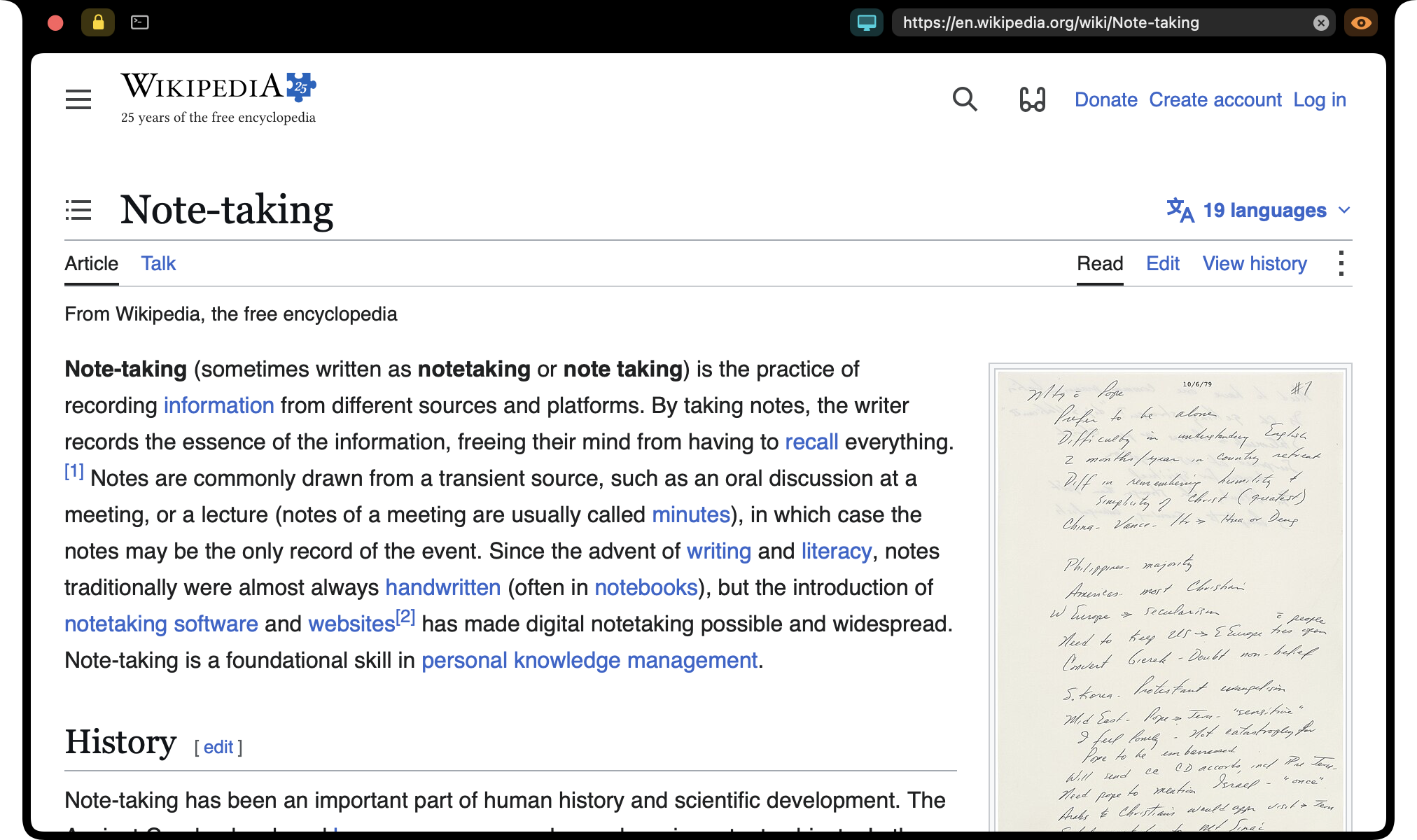
Any web page
Type an address in the URL field and press Return. Text that isn't an address runs a web search. The page is remembered across launches.
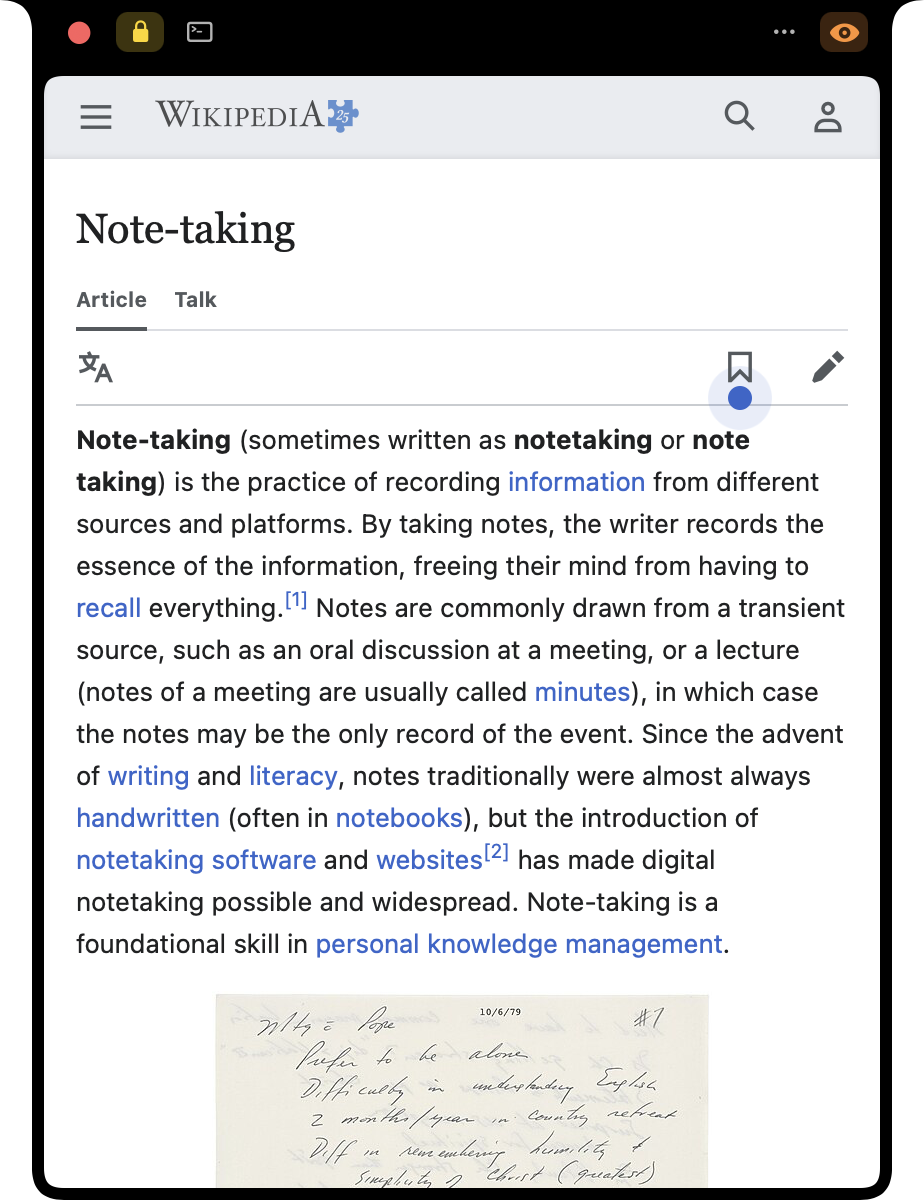
Mobile or desktop site
One button switches between the two, so a page fits a narrow panel as well as a wide one.
A terminal
The terminal button, or ⌘T, swaps the notes or the page for your login shell. The dots switch between shells and + starts another. They keep running while the panel is closed.
Org mode, Vim, anything full-screen
Full-screen programs run in the terminal, and Option works as Meta, so Emacs and Org mode behave as they do in any terminal.
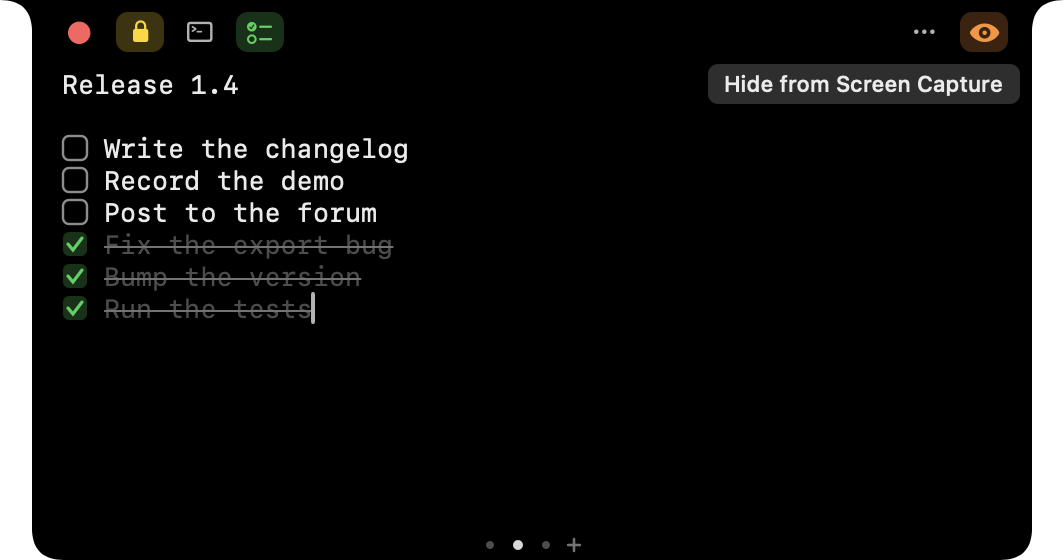
Hidden from screen sharing
By default the panel is left out of screen recordings and screen shares. The eye button shows it, and hides it again.
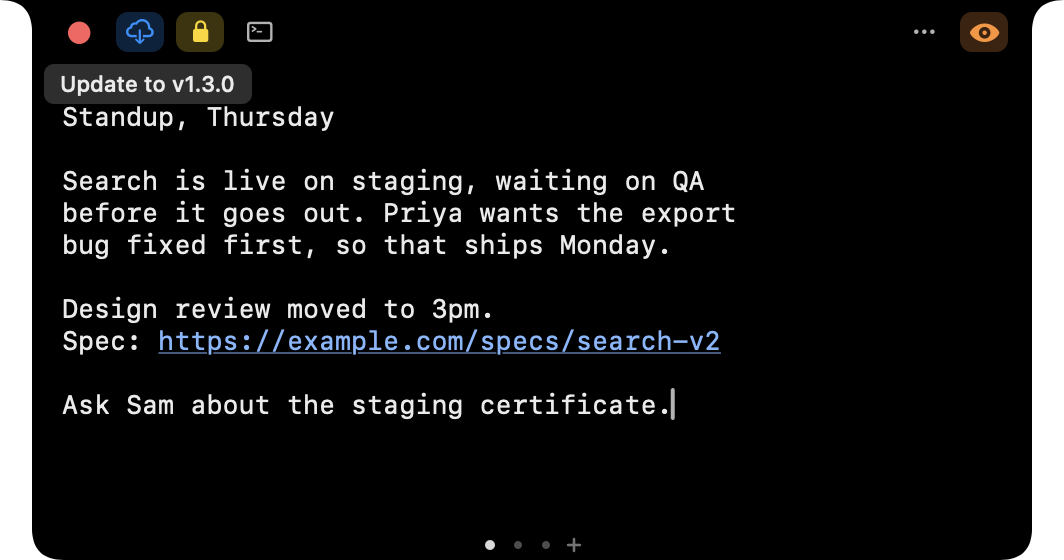
Updates itself
When a newer version is available, a cloud button appears. Click it and the app downloads the release, replaces itself and relaunches.
Also in the panel
Opens on hover or by hotkey
Rest the mouse on the notch, or press ⌃⌥N from any app.
Lock open
The lock button keeps the panel open when the mouse leaves, and stays set across launches.
Audio indicator
A page keeps playing after the panel closes, and a thin line pulses around the notch while it does.
Fits any width
Toolbar buttons that don't fit move into a … tray.
Follows your displays
The panel moves with the notch when displays are added, removed or rearranged.
Stays in front
The panel returns to the front when another app's overlay, such as a screen-share border, covers it.
Local addresses
localhost, .local and bare IP addresses load over http.
Downloads
Files are saved to your Downloads folder.
Light and dark
Pages follow the system appearance. The panel itself is always dark.
Your files
Notes live in ~/Library/Application Support/NotchNotes, or in a folder you choose.
Accessible
Toolbar buttons and fields are labelled for VoiceOver.
Keyboard shortcuts
⌘N new note or terminal, ⌘⇧[ ⌘⇧] switch between them, ⌘T terminal, ⌘L URL field, ⌘R reload. The README lists them all.
Install
Later versions arrive through the update button, so these steps are not repeated.
- Download
NotchNotes-vX.Y.Z.zipfrom the latest release. - Unzip it and move
NotchNotes.appto/Applications. - If macOS blocks the app from opening, you may need to remove its quarantine attribute. NotchNotes is currently ad-hoc signed and is not notarized by Apple. Only proceed if you trust the downloaded release.
xattr -dr com.apple.quarantine /Applications/NotchNotes.app - Open the app and hover over the notch.
To start it at login: System Settings → General → Login Items → + → select
NotchNotes.app.